App Designer · a free skill for Claude Code
iPhone apps that don’t look like AI made them.
App Designer gives Claude a designer’s process: a real concept, three directions, and every screen checked for AI slop before you see it.
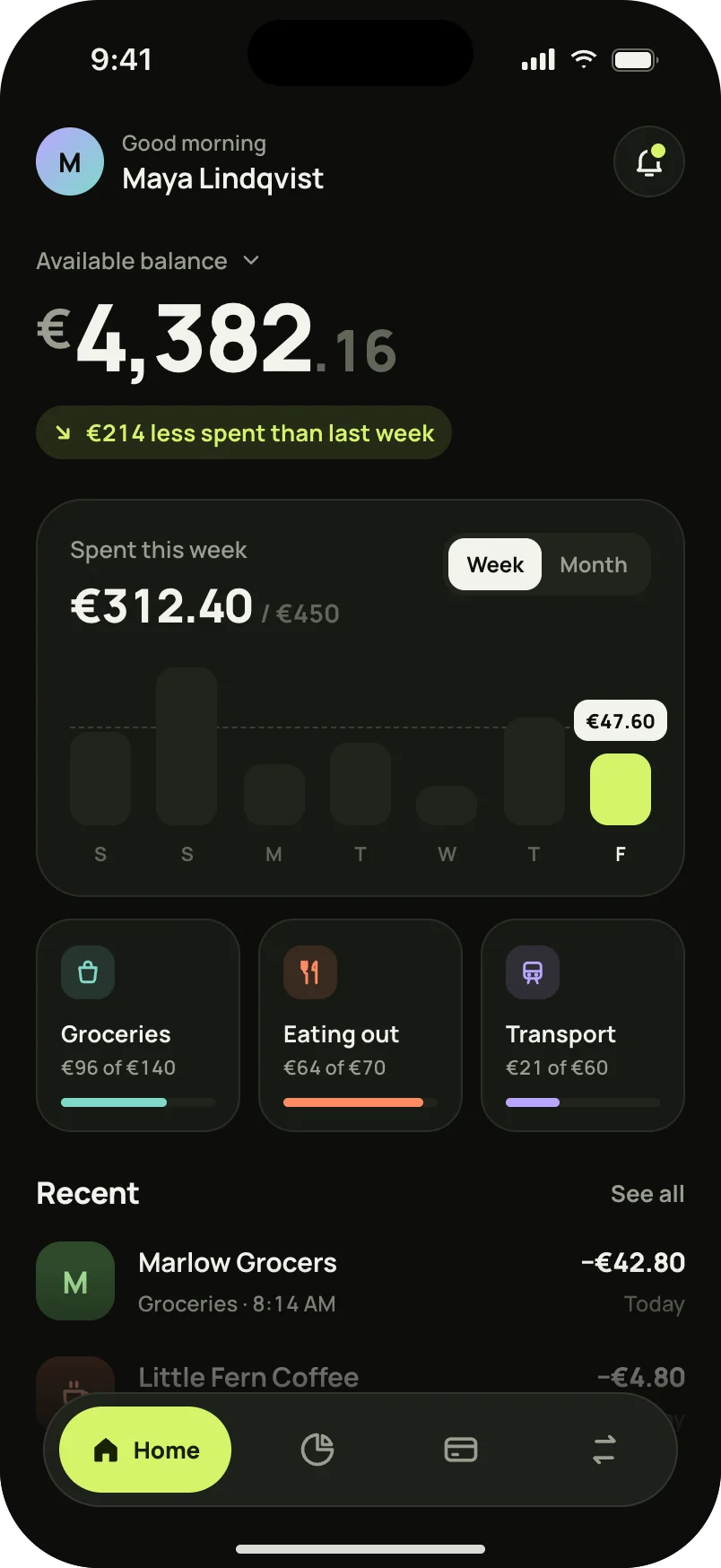
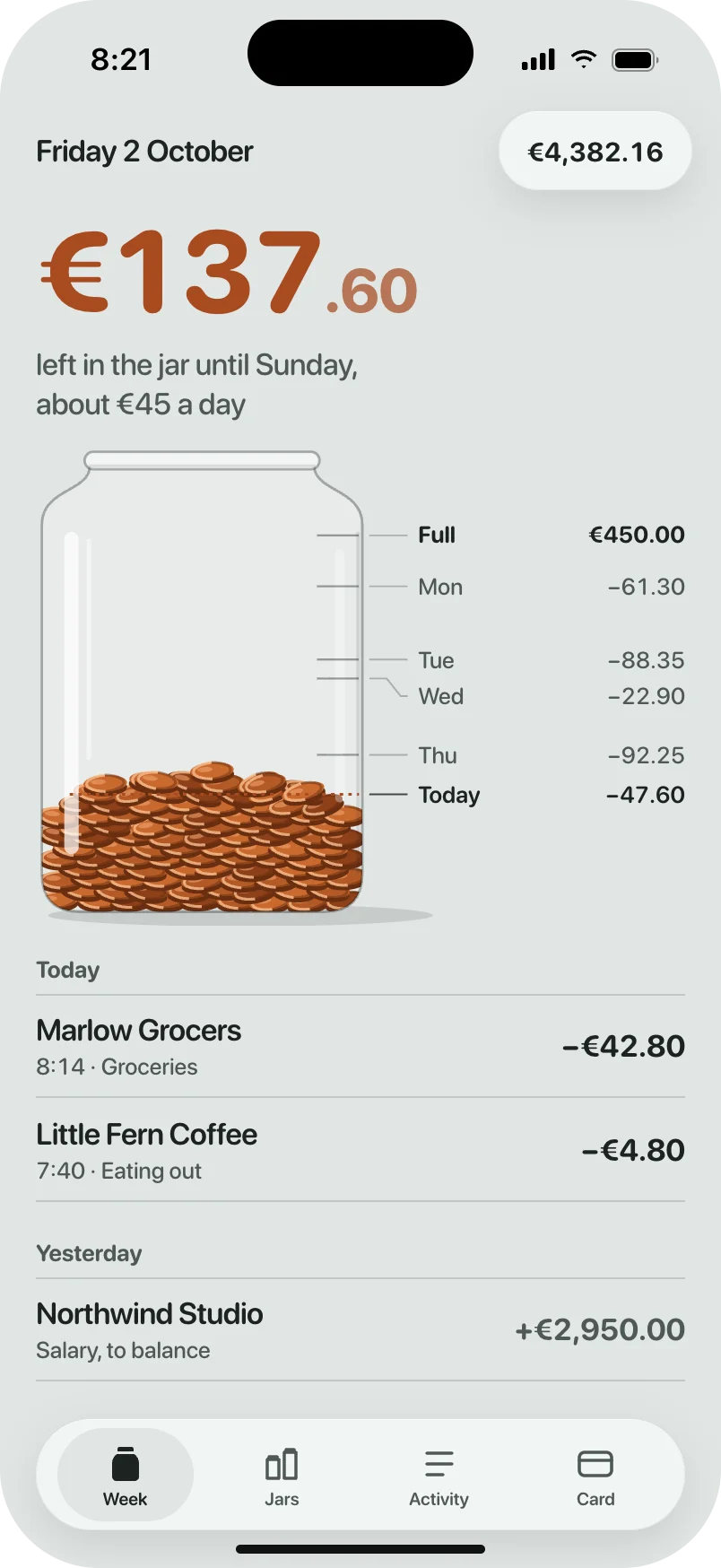
Same app. Same model.
A spending app, designed by Claude twice. On the left, on its own. On the right, with App Designer.
How it works
- 1
A concept, not a theme.
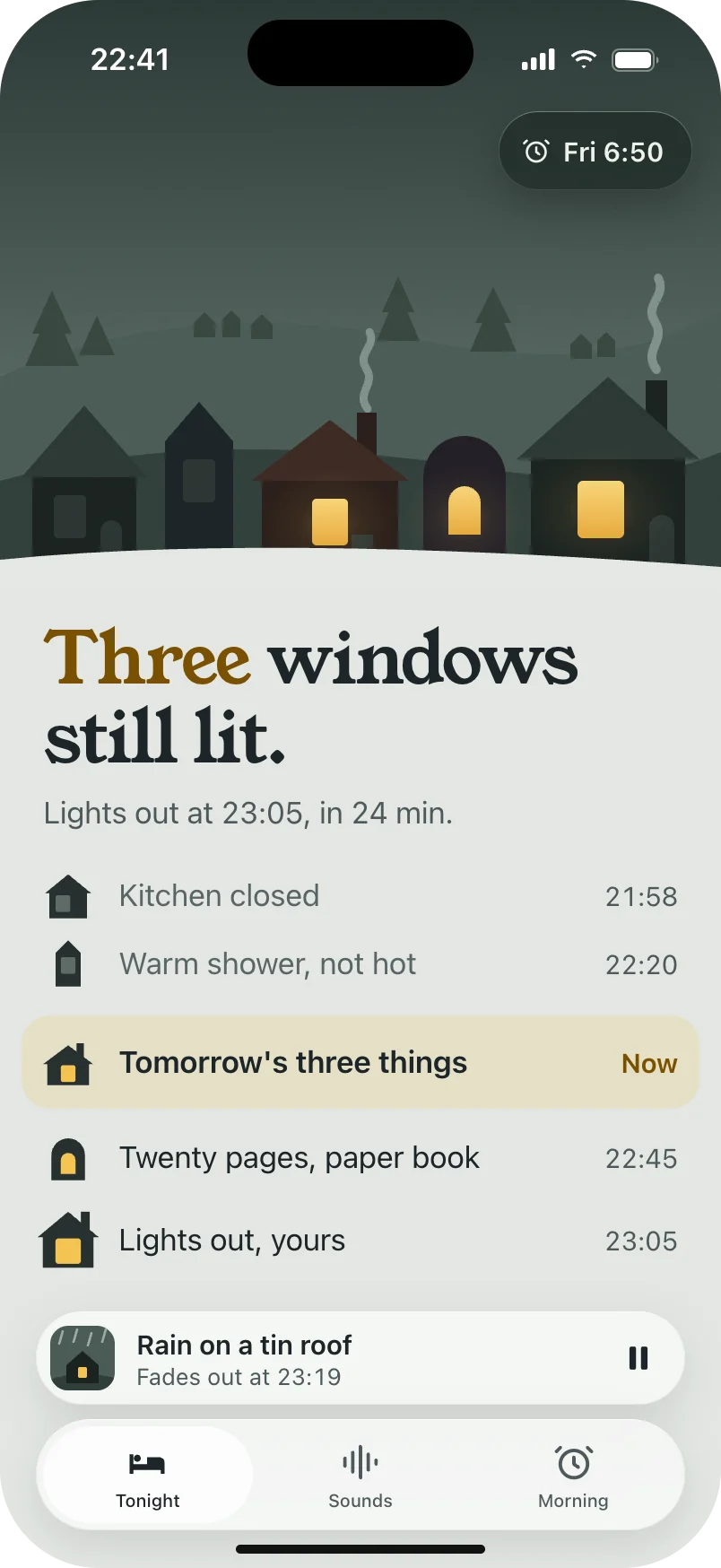
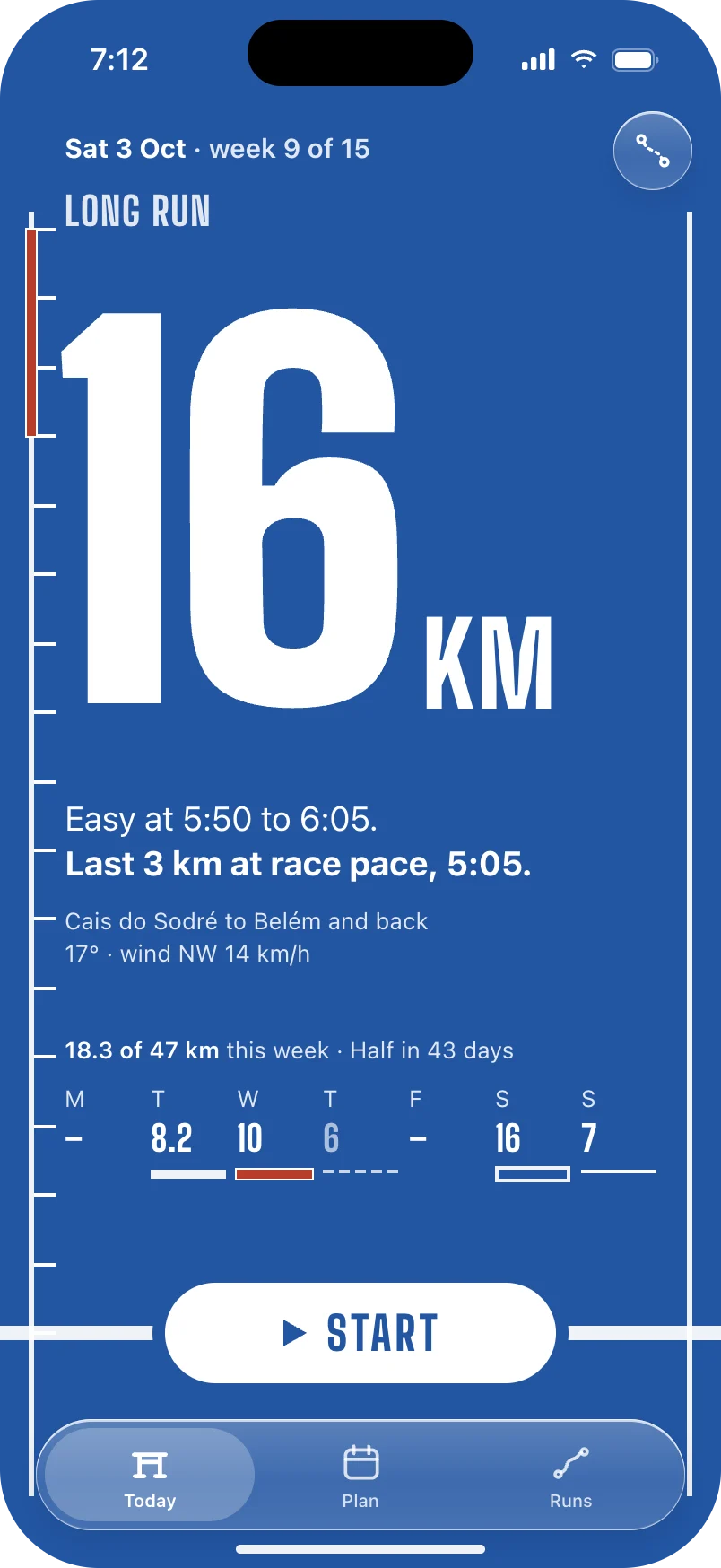
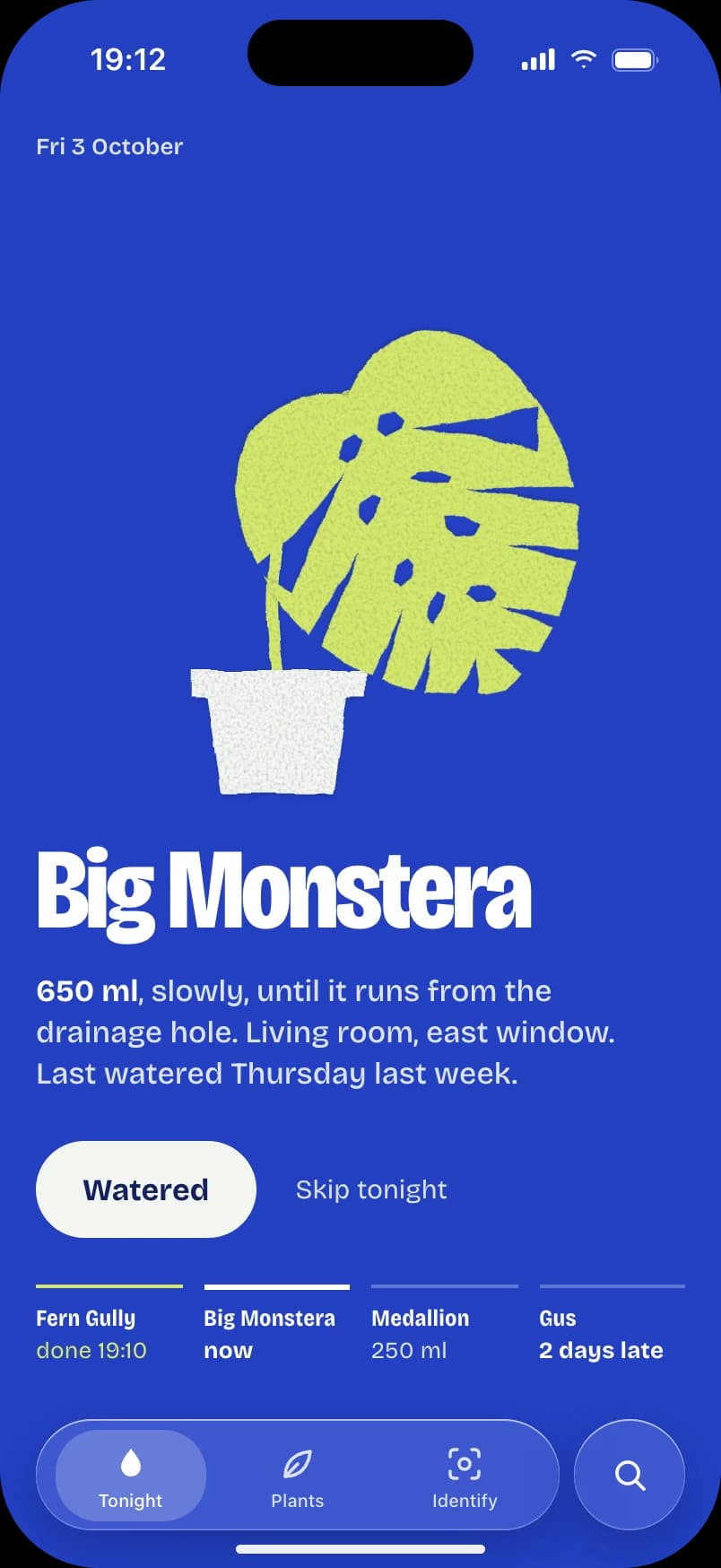
Every app starts as something real: an athletics track, a village going to sleep, a paper cut-out. That one idea decides the type, the colour and the motion.
- 2
Three directions, then one.
It designs your main screen three different ways before it commits, so you never ship the first idea by default.
- 3
It checks its own work.
Every screen is rendered at iPhone resolution with Apple's own fonts, scanned for the tells of AI design, and scored by a separate critic.
Every app gets its own world.
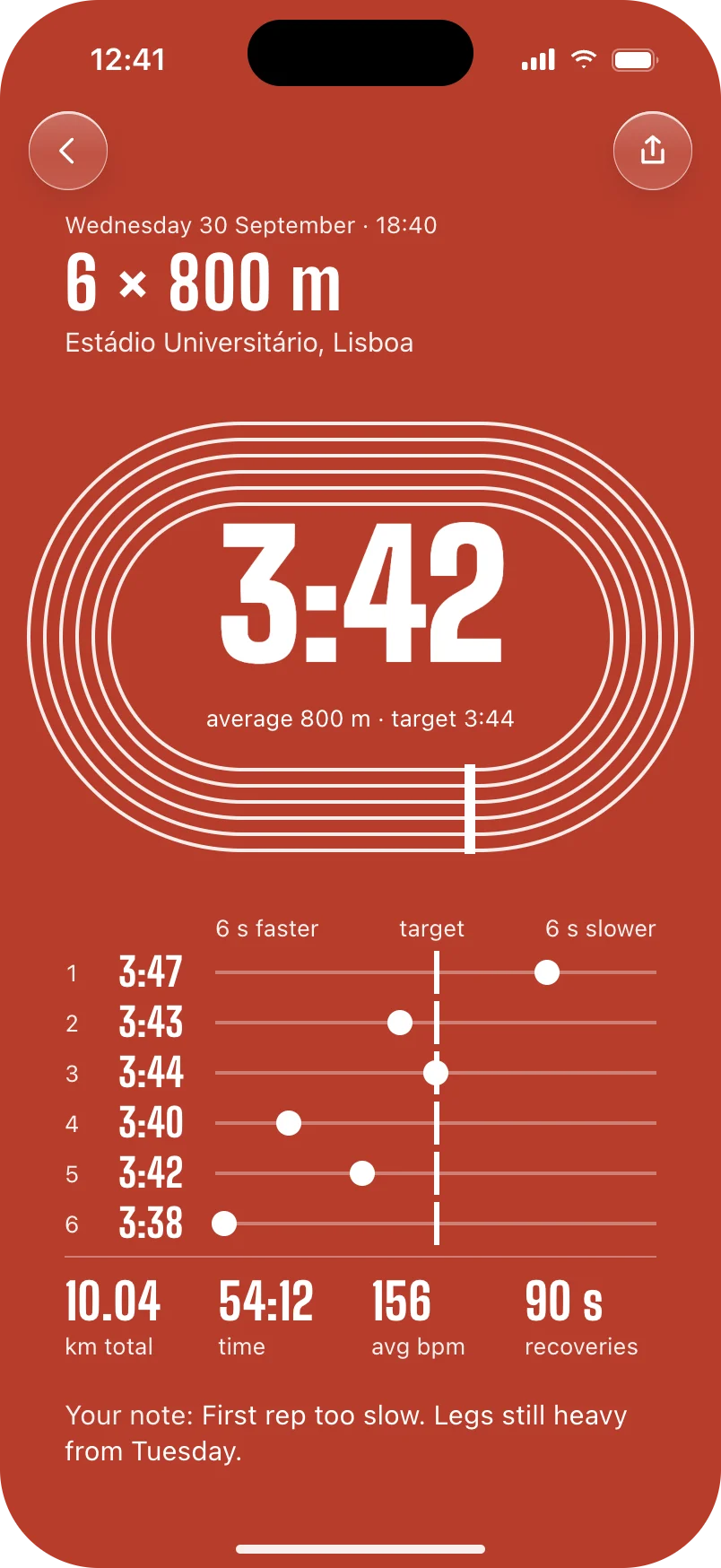
Stride
A running app as an athletics track
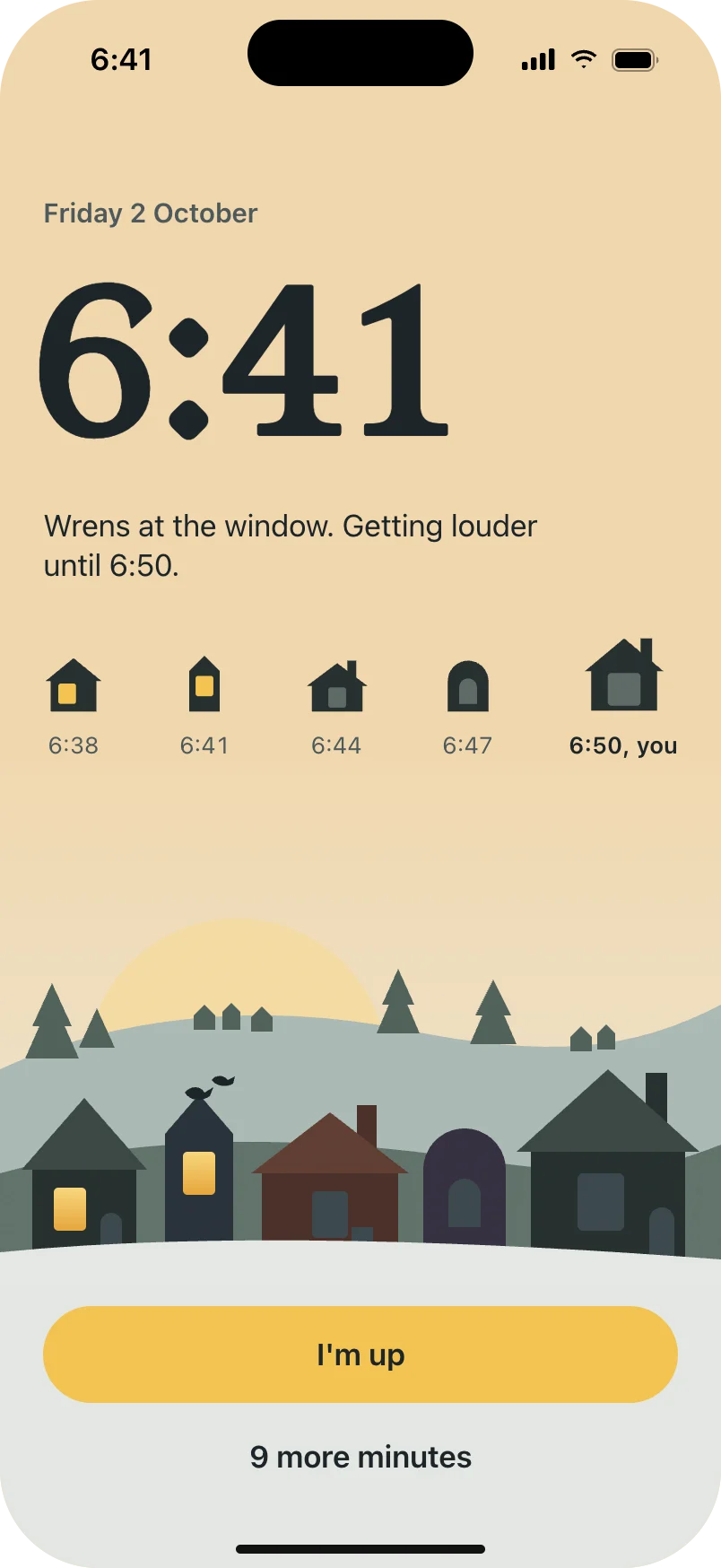
Lull
A sleep app as a village waking up
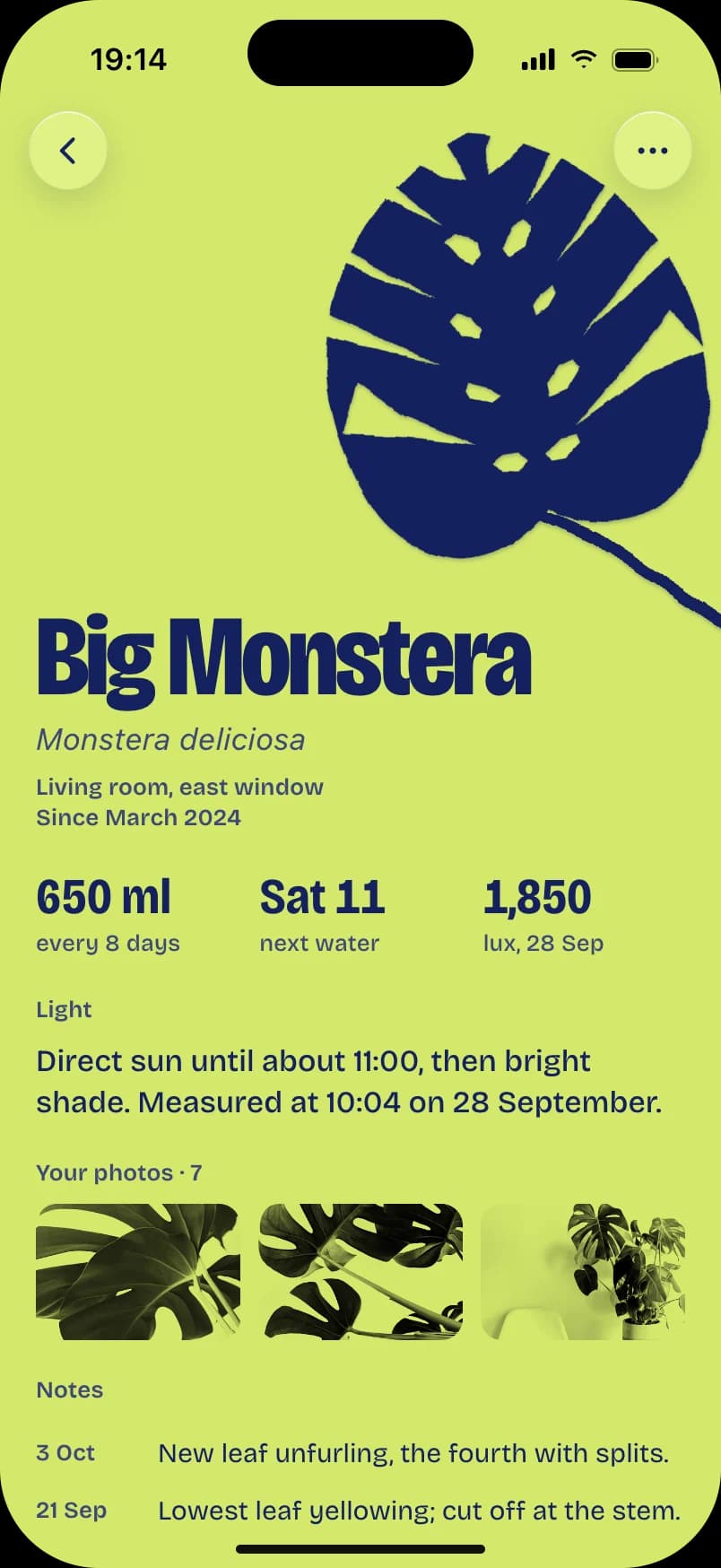
Fernly
A plant app as a paper cut-out
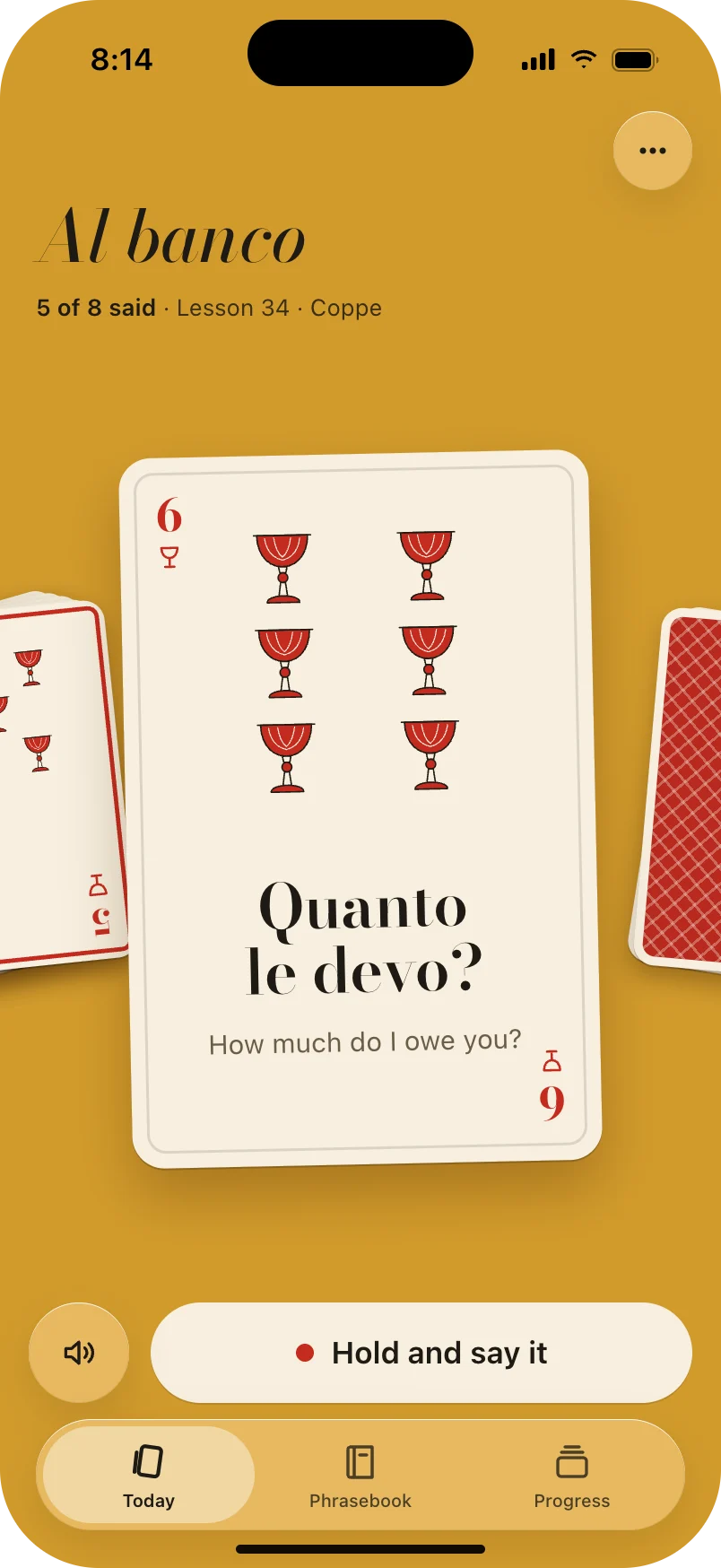
Parlo
Italian lessons as a deck of Neapolitan cards
Design an app worth featuring.
It’s free. Tell me where to send it.
Free · for Claude Code on a Mac